Share the basic idea
Start with a theme. Then tell it the occasion, setting and age range. Simple answers are more than enough.
Tell it your theme, occasion and age range. It walks you through the activities, wording, artwork and layout one calm question at a time, so you can stop staring at a blank page and actually finish the thing.
Get the Placemat BuilderGuided step-by-step help · Reusable for any theme · $37
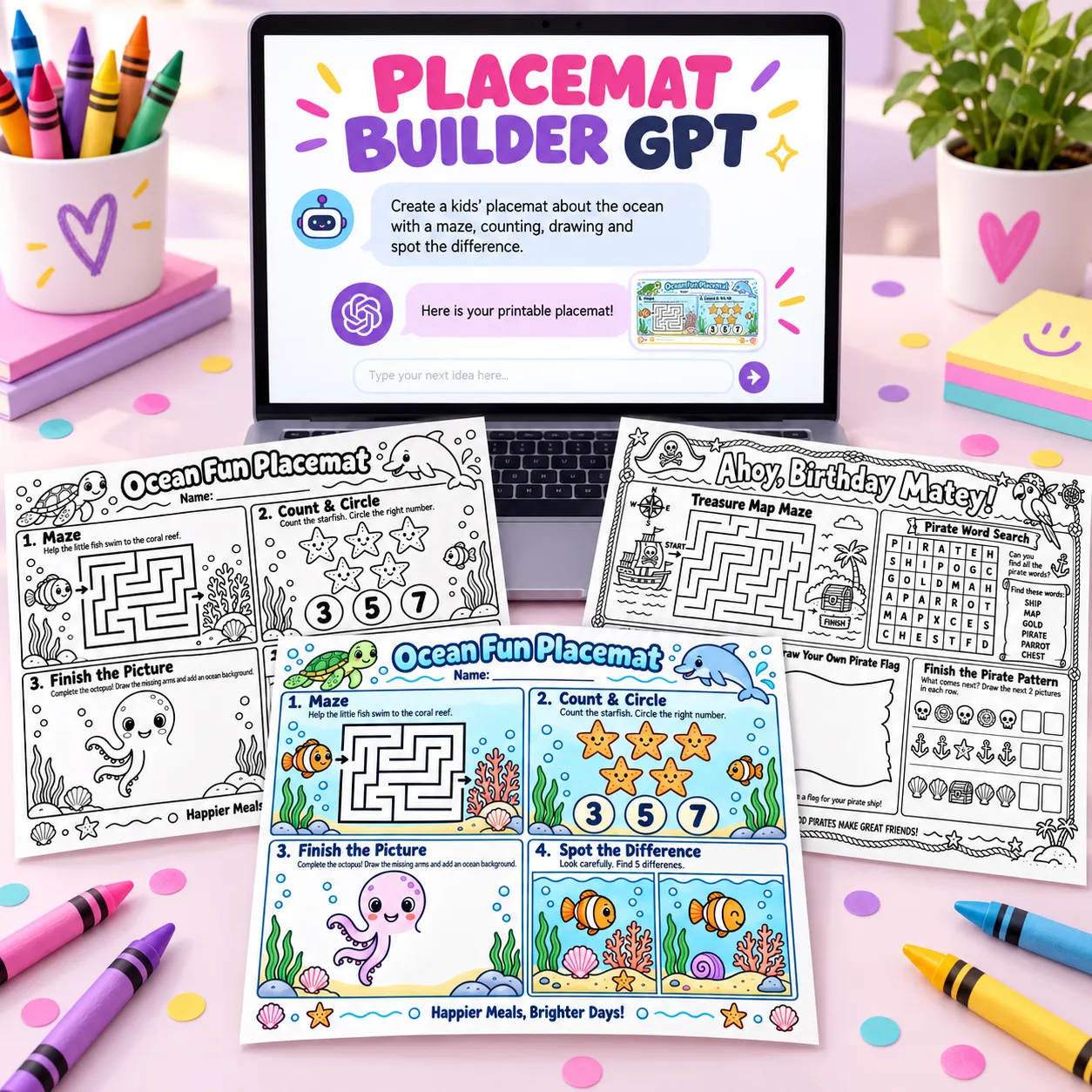
The Placemat Builder keeps the process small and practical. It asks one question at a time, gives you a few useful choices instead of an idea avalanche, and helps you build something children can actually use.
You don’t need the perfect prompt. Just answer the questions as the GPT guides you through the project.
Start with a theme. Then tell it the occasion, setting and age range. Simple answers are more than enough.
Get age-appropriate suggestions for mazes, word games, counting, drawing prompts and more without sorting through fifty options.
Plan the wording, artwork and layout. If you need visuals, it can help create individual pieces or the complete placemat.
Use colour when it suits the project, keep it ink-friendly when it doesn’t, and change the activities to match the children you’re creating for.
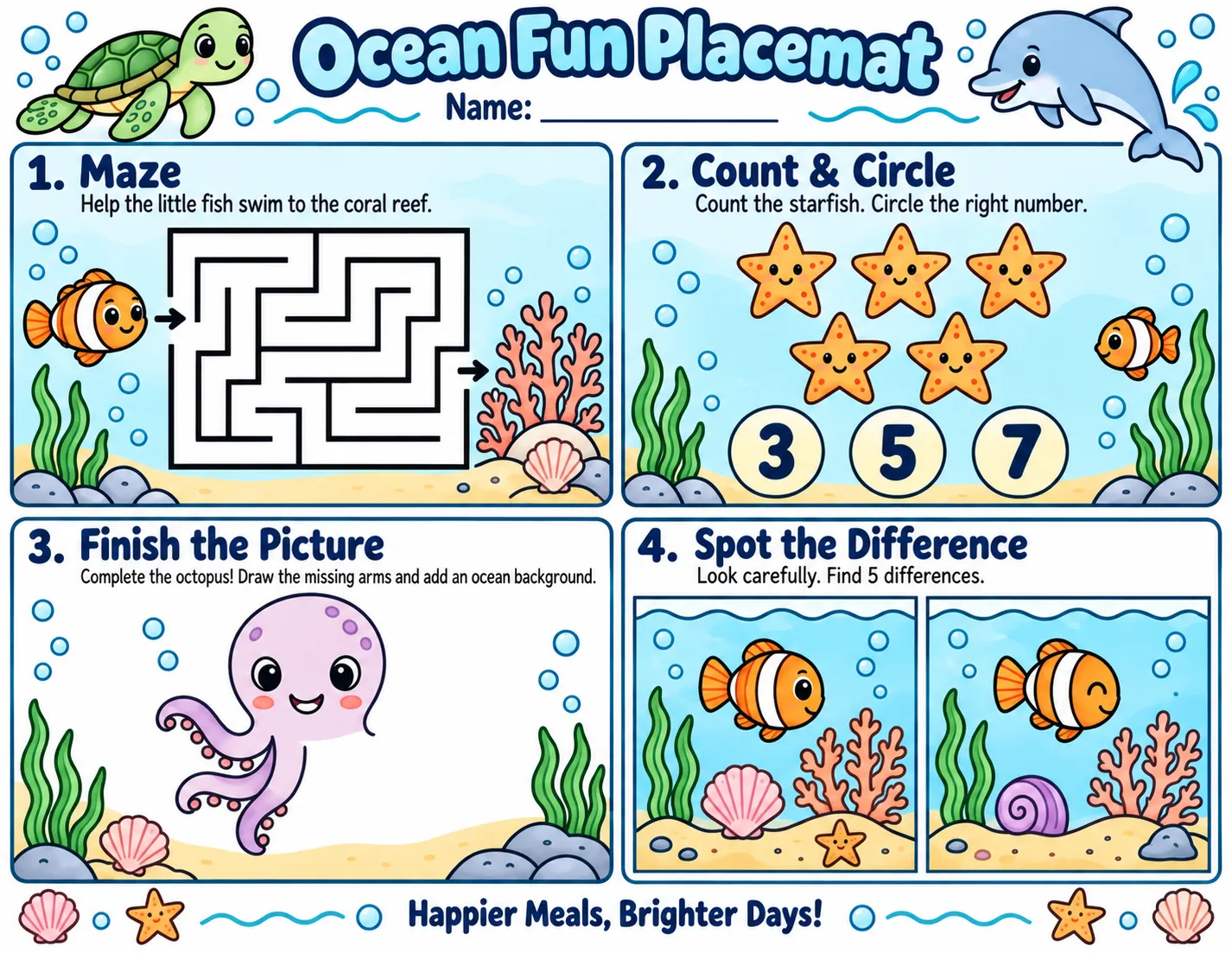
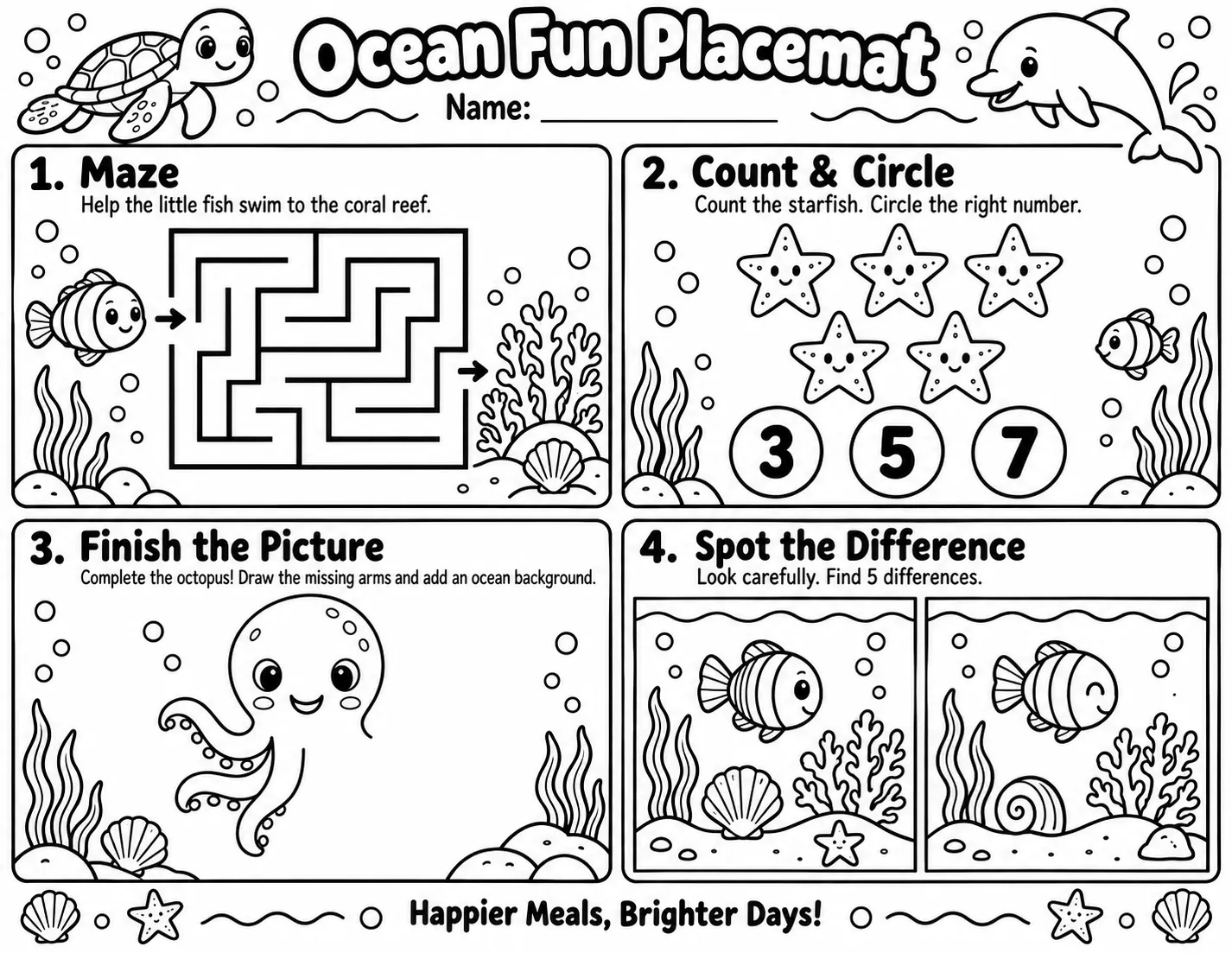
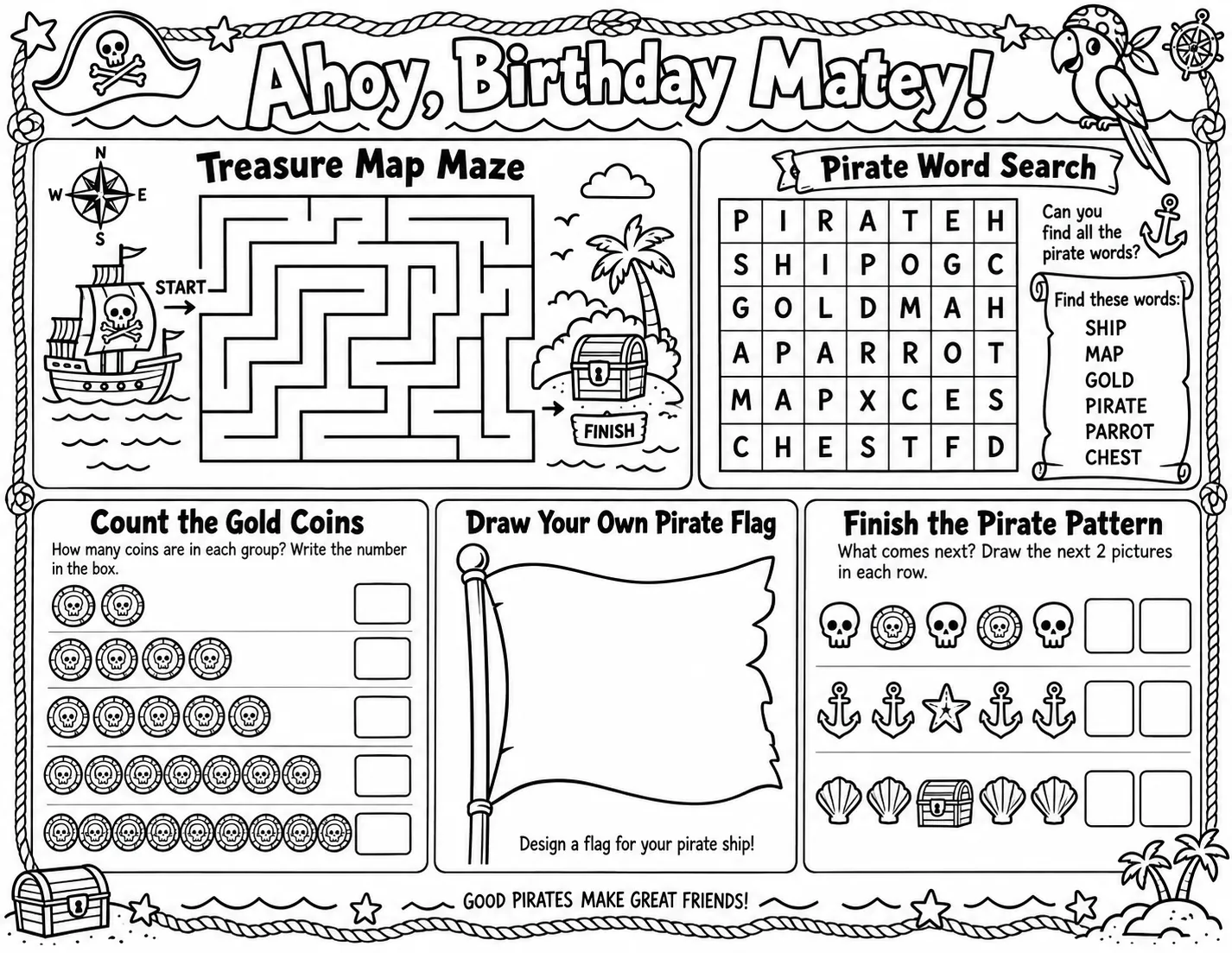
These aren’t blank templates pretending to be examples. They’re complete placemats created through the guided process.
The Placemat Builder gives you a few focused choices at a time and keeps the next step clear. You can bring your own artwork, ask what illustrations you need or build the visual direction with it.
Turn a clipart set, seasonal theme or customer request into a new product without rebuilding your process every time.
Create table activities that match the birthday, holiday or event instead of settling for whatever happens to be available.
Plan classroom, family dining or special-event placemats for the ages and setting you actually need.
The finished placemats and activity products you create with the Placemat Builder are yours to use or sell. Make products for your shop, clients, classroom, parties or restaurant without being boxed into one theme or one type of customer.
Nope. Start with a simple theme such as rainbows, ocean or outer space. The GPT asks for the occasion, age range and activity count one question at a time.
You can use artwork you already have, ask for a clear illustration list or get help creating individual graphics or the complete placemat. You choose the route that fits your project.
No. Build birthday, holiday, classroom, restaurant or just-for-fun placemats in colour or black and white. The activities are planned around your theme, setting and age range.
No extra homework. The Placemat Builder is the guide. Open it, choose “Build from Scratch” and answer the first simple question.
Add your details below, open the Builder and turn the theme in your head into something ready to use, share or sell.
Upload your images, choose your options, and download a complete printable bingo set without building every card by hand.
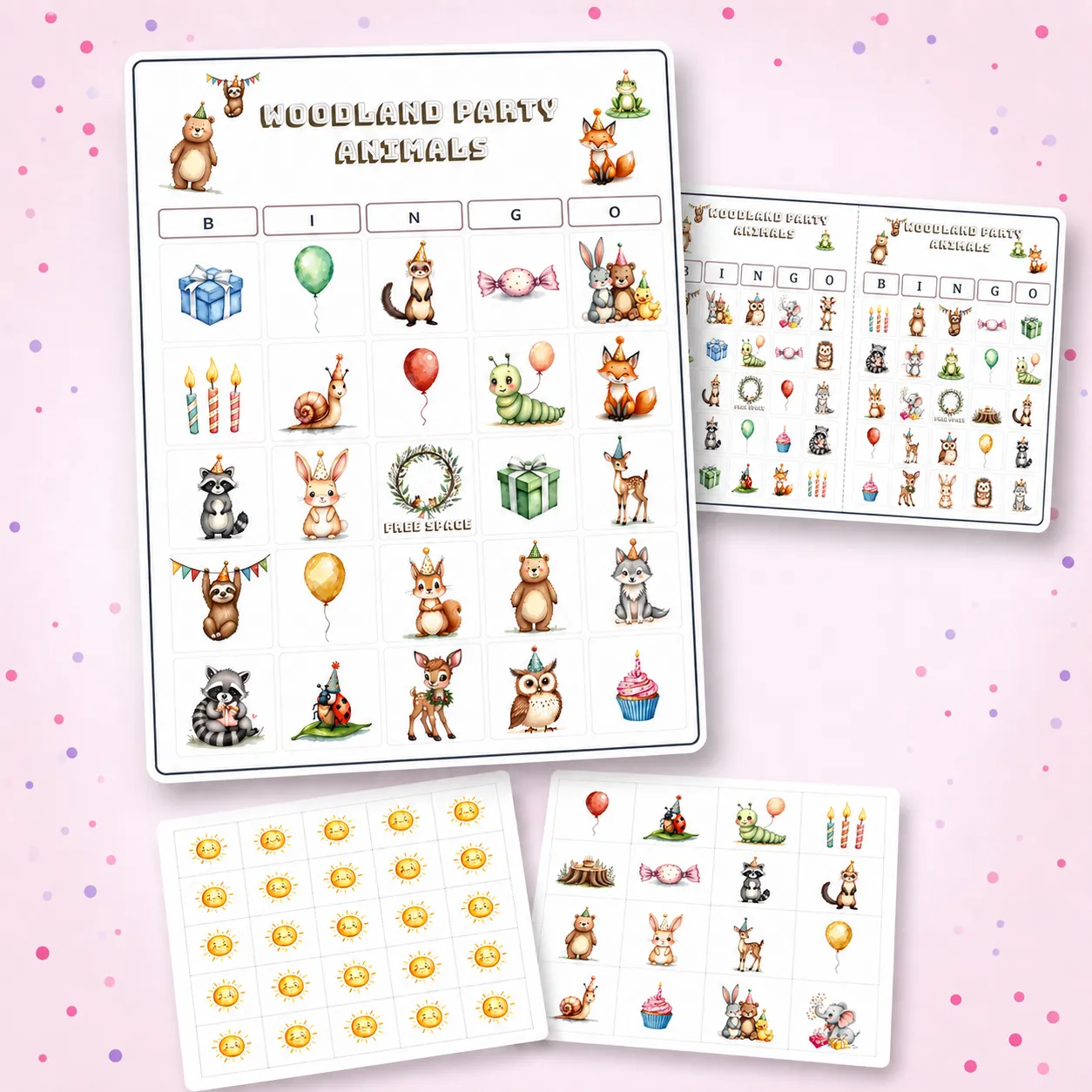
Select the Bingo Generator in the checkout and turn the clipart you already own into complete bingo products.
mrsblanks.com - ALL PURCHASES ARE IN USD - © 2026 All Rights Reserved - Privacy Policy - Terms & Conditions